Best Amazon Wishlist Alternatives That Work With Any Store
Amazon wishlist alternatives for saving from any store, sharing gift ideas, organizing family lists, and discovering your next great find.
Your wishlist probably doesn’t live in one store. The sneakers are from one brand, the lamp is from a small design shop, and the bag is from a boutique you found last night.
Keeping track of all of that shouldn’t mean maintaining six separate lists—or sending someone a pile of screenshots when they ask what you want.
An Amazon wishlist alternative gives those finds one home. A universal wishlist lets you collect product links across retailers and share them together.
The best choice depends on what you need beyond saving links. Snag Mode suits everyday collecting and discovering products through people. Giftful and Giftster offer gift coordination. MyRegistry brings store registries together, while Things To Get Me lets you start a list without signing up.
Here’s how to choose.
The best Amazon wishlist alternatives at a glance
These picks are organized by use case, based on the features each platform describes.
| Alternative | Best fit | Main reason to choose it |
|---|---|---|
| Snag Mode | Everyday saving and social discovery | Collections, shareable profiles, and finds from people you follow |
| Giftful | Birthdays and everyday gifting | Cross-store wishlists with private gift claiming |
| Giftster | Family gift coordination | Family groups, children’s lists, and gift reservations |
| MyRegistry | Weddings, baby showers, and combined registries | Any-store gifts alongside synced store registries |
| Things To Get Me | Starting a list without an account | Shareable lists with no sign-up required |
All five support collecting beyond a single retailer. Their differences become clearer when you consider who will use your list—and what they need to do with it.
1. Snag Mode: Best for everyday saving and social discovery
Some wishlists come out once a year. Others grow every time you find a jacket, a kitchen upgrade, or a strangely perfect object you weren’t looking for.
Snag Mode fits that second kind.
You can save products from across the web, organize them into collections, and share your profile or collections with a link. You can also follow friends and creators to discover what they’re saving. That makes it useful for building a wardrobe, collecting home ideas, or keeping an ongoing record of things you love.
The appeal is having somewhere to put a find before you decide what happens next. You might buy it later, share it as a gift idea, or simply keep it alongside other things that reflect your taste.
Choose Snag Mode if: You save products year-round and want your wishlist to be something you browse, organize, and share regularly.
Know before choosing: Snag Mode’s published comparison currently lists private gift claiming and buy-for-someone tools as planned features. If preventing duplicate gifts is your immediate priority, consider a platform with reservations already available.
2. Giftful: Best for birthdays and everyday gifting
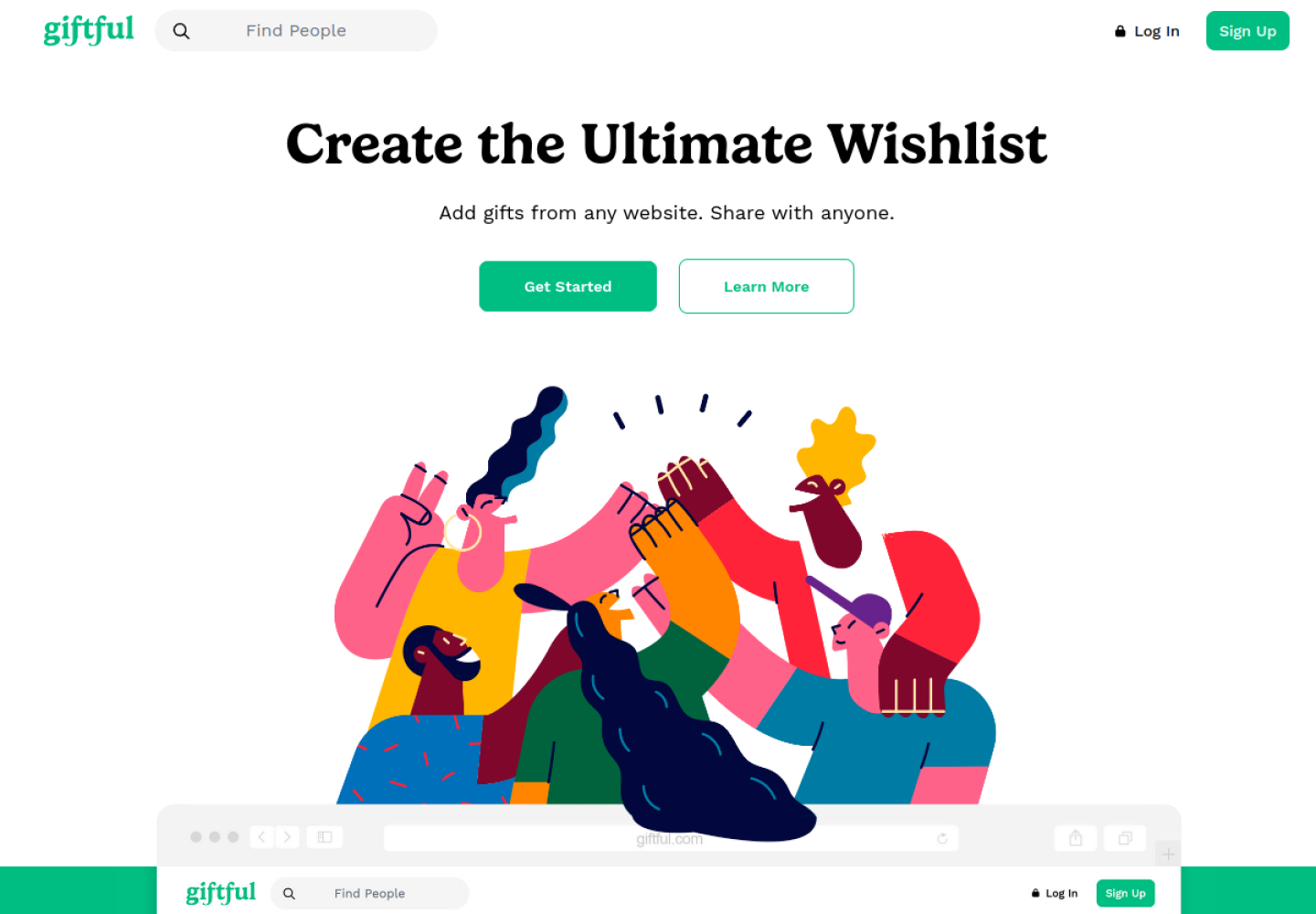
If your main goal is answering “What would you like?” and helping friends coordinate the answer, Giftful deserves a look.
Giftful supports gifts from different websites and lets gift-givers privately claim items. The list owner doesn’t see those claims, which helps preserve the surprise while showing other shoppers what’s already taken.
It also offers privacy settings, categories, collaborative lists, and profile themes. Those features give you room to organize and personalize a list alongside its gifting tools.
Choose Giftful if: You want a cross-store birthday or holiday wishlist with private claiming built into the experience.
Know before choosing: Try the sharing experience with someone who will actually shop your list. How easily they can open it, choose an item, and record their choice matters as much as how it looks to you.
For a closer comparison, read Giftful vs. Snag Mode.
3. Giftster: Best for family gift coordination
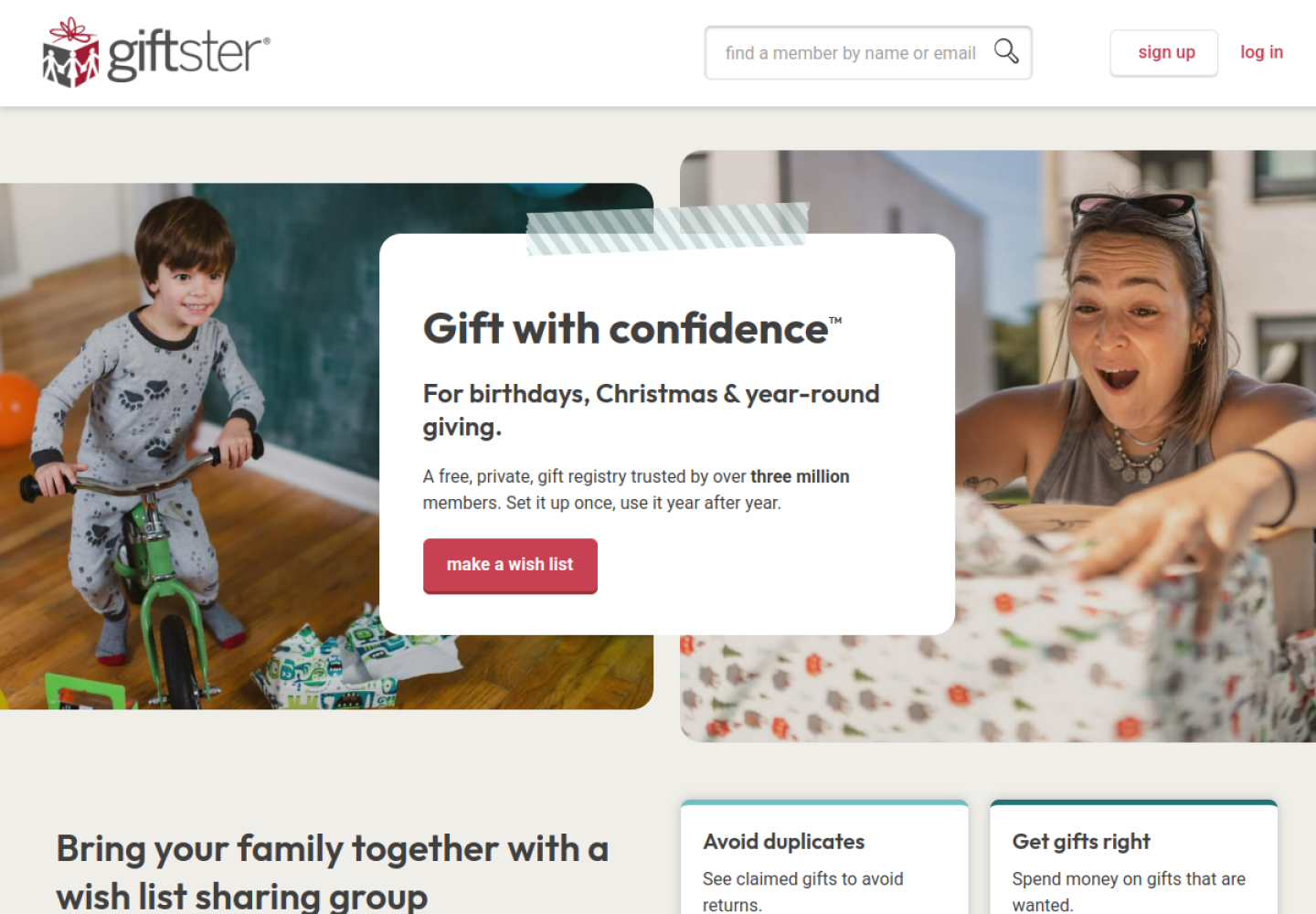
A family wishlist has more moving parts than a personal shopping list. Grandparents need ideas, parents may manage children’s lists, and several relatives might be considering the same gift.
Giftster is designed around that coordination.
It supports private family groups, products from any store, and reservations that help reduce duplicate gifts. Parents can manage children’s wishlists and invite collaborators to help maintain them. For standard member lists, purchase status stays hidden from the person receiving the gift.
Choose Giftster if: You want a shared system your family can use across birthdays, holidays, and other occasions.
Know before choosing: List visibility deserves a little setup time. Giftster supports different sharing arrangements, including private lists, group sharing, and public lists. Public-list visitors can reserve or mark gifts purchased without creating their own account. Choose the setting that matches your audience.
4. MyRegistry: Best for weddings, baby showers, and combined registries
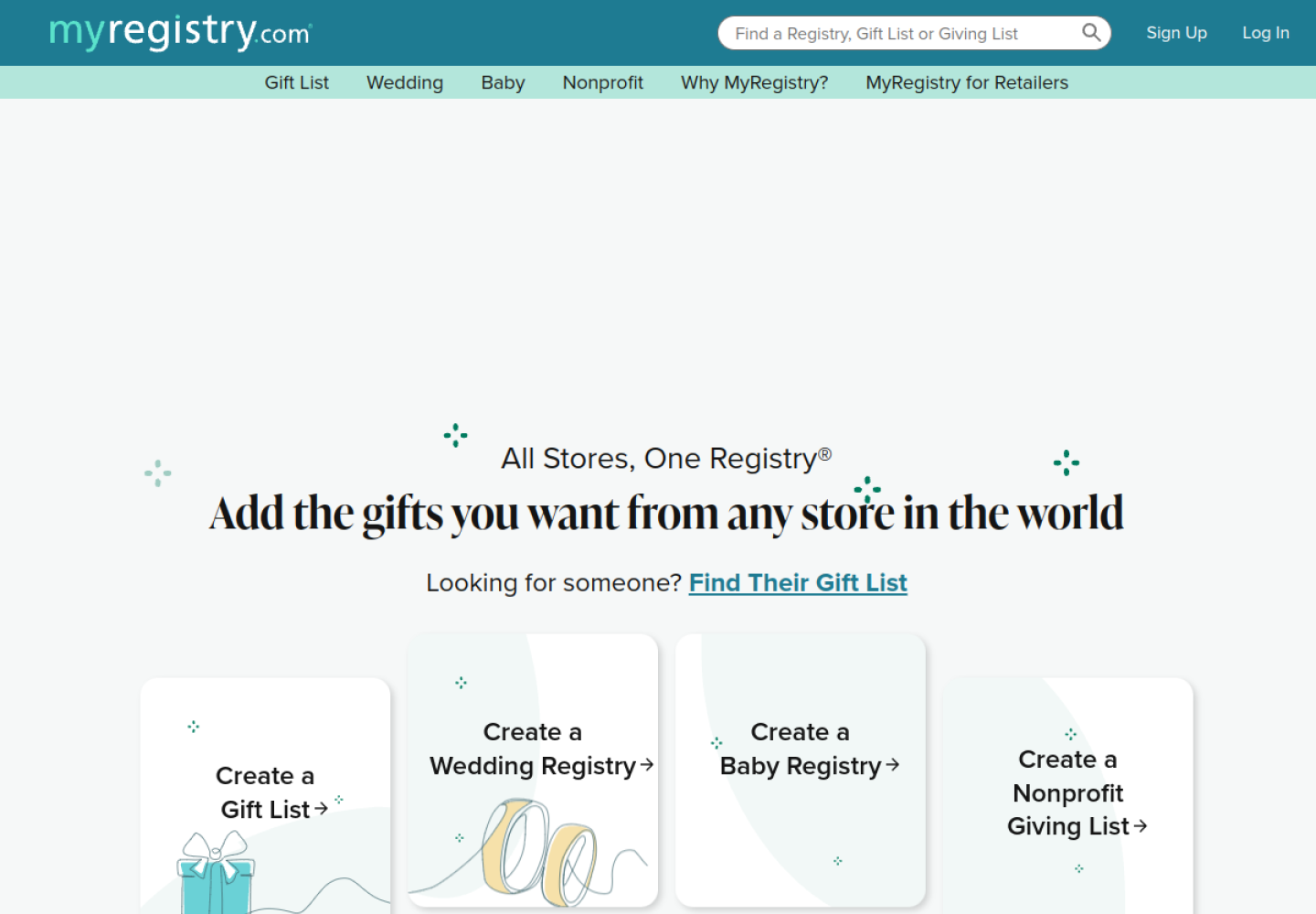
An event registry often needs to bring together more than individual product links. You may already have lists at several stores and want guests to receive one destination.
MyRegistry supports adding gifts from different stores and syncing existing store registries. Its tools include an app, barcode scanning, and a browser extension for adding products.
That makes it a useful option when you’ve already started registering elsewhere or want a dedicated registry for a major occasion.
Choose MyRegistry if: You’re planning a wedding, baby shower, or another event and want to consolidate your registries.
Know before choosing: Adding an individual product link and syncing an existing store registry are different workflows. Decide which you need before moving your lists, and check the available integration for each store.
5. Things To Get Me: Best for starting without an account
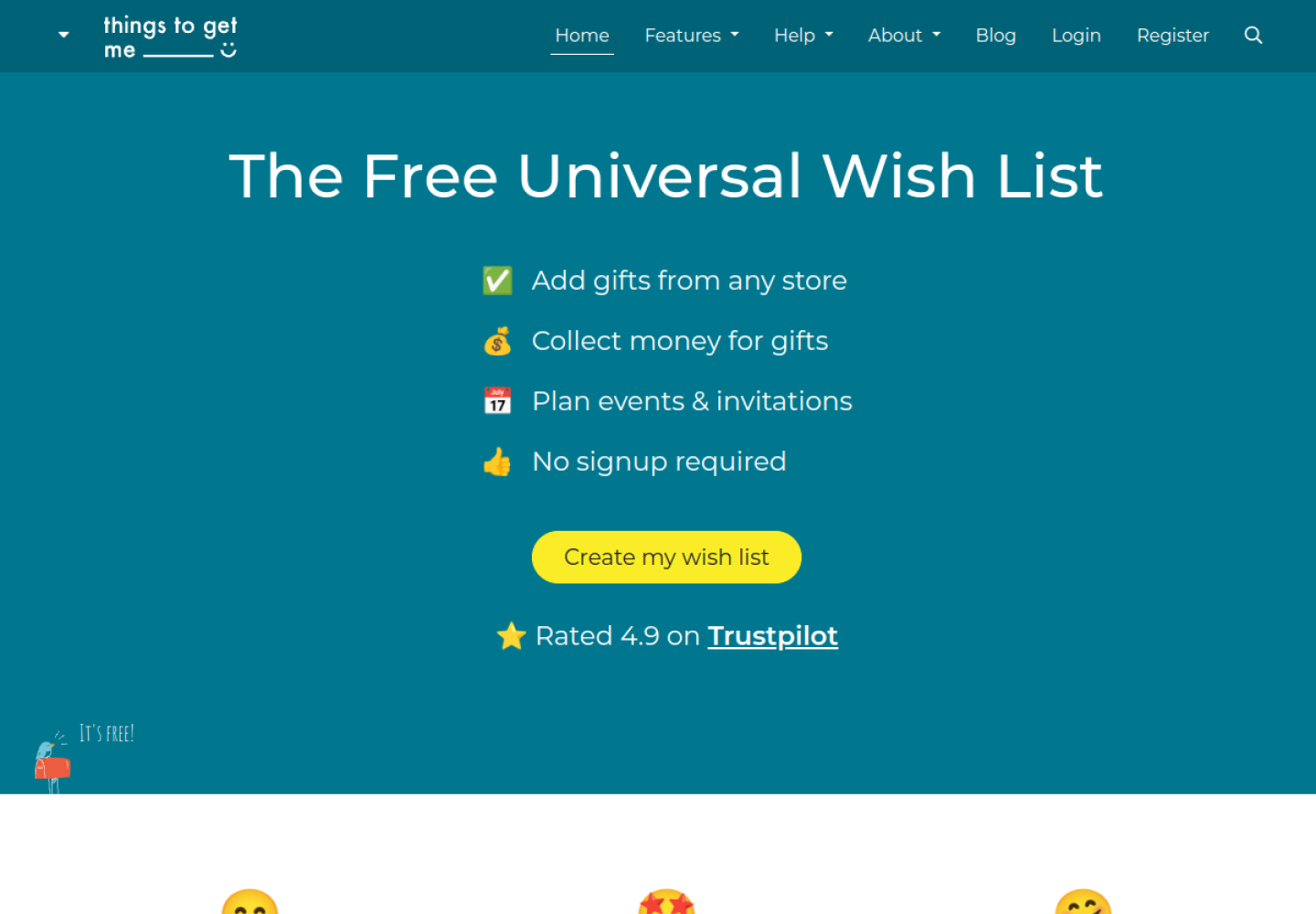
Sometimes you want to make a list, send the link, and get on with your day.
Things To Get Me lets you start a universal wishlist without signing up. It provides a unique page to share and offers browser tools for adding products as you shop. Gift-givers can reserve or tick off items for relevant occasions.
The service also says lists aren’t searchable by a person’s name; recipients need the list’s code or direct link to find it.
Choose Things To Get Me if: Avoiding an account setup is a priority and you mainly need a list to share directly.
Know before choosing: Keep your list’s editing access somewhere you can find it later, especially if you start without an account.
What to check before switching wishlist apps
Saving from multiple stores is the starting point. These practical details will determine whether a tool works for you.
Test it with the stores you actually use
Try adding three products: one from a major retailer, one from an independent shop, and one with size or color options.
Check the image, product name, link, and any price shown. “Any store” describes the ability to collect across retailers; it doesn’t guarantee that every website will supply perfect product details.
Check the recipient experience
Open your shared list in a signed-out browser. Can someone understand it and reach the product page easily? If you need gift reservations, check that process too.
A wishlist should be easy for the person shopping from it.
Decide whether you need gift claiming
For personal saving, collections and organization may be enough. For a holiday list going to several relatives, reservations can be much more useful.
Also check whether claims stay hidden from the recipient and whether shoppers need to mark purchases manually.
Review privacy and shipping separately
A private list, a link-only list, and a public profile serve different purposes. Choose intentionally before sharing.
Address privacy is a separate question. Don’t assume that keeping a list private automatically hides delivery details or provides anonymous shipping.
How to move away from an Amazon-only wishlist
You don’t have to rebuild everything in one sitting.
- Choose the right use case. Everyday collecting, family gifting, and formal registries need different tools.
- Move your most-wanted items first. Start with products you still care about.
- Add finds from other stores. Bring your scattered bookmarks and screenshots into the same place.
- Organize the list. Group items by occasion, category, or budget.
- Check each product link. Confirm the right variation and remove unavailable items.
- Test your sharing link. View it as a recipient before sending it around.
Unless your chosen service explicitly supports importing your existing list, plan to transfer product links individually.
Frequently asked questions
What is a universal wishlist?
A universal wishlist collects items from multiple retailers in one place. It lets you share your choices together instead of maintaining a separate wishlist at every store.
Can I keep Amazon products on a universal wishlist?
Generally, yes. Moving to a universal wishlist doesn’t mean giving up Amazon finds. It means putting them alongside products from other retailers. Test individual links in your chosen app before sharing.
Will a universal wishlist prevent duplicate gifts?
Only if it includes a reservation or claiming feature—and shoppers use it. Saving and sharing product links alone won’t coordinate purchases.
Does “any store” mean one checkout?
No. Collecting products in one list doesn’t necessarily combine payments, shipping, or returns. Check how your chosen service handles purchases and where the buyer completes checkout.
Which Amazon wishlist alternative should I choose?
Choose Snag Mode for ongoing saving, collections, and discovery through people. Choose Giftful for private gift claiming, Giftster for family coordination, MyRegistry for combining event registries, or Things To Get Me for starting without signing up.
Give your finds one home
A good wishlist should make your next find easy to save—and your existing finds easy to revisit.
If you’re collecting fashion, home ideas, gifts, and everything else that catches your eye, start your wishlist on Snag Mode. Paste a product link, build your collections, and share what you’re into.
Start your own stash
Save products from any store, build a profile that looks like your taste, and share only what you mean to share.