How to Create a Wishlist for Your Instagram Bio
A practical, taste-led guide to Instagram wishlist: what to look for, how to choose, and where Snag Mode fits. Clear advice without generic filler.
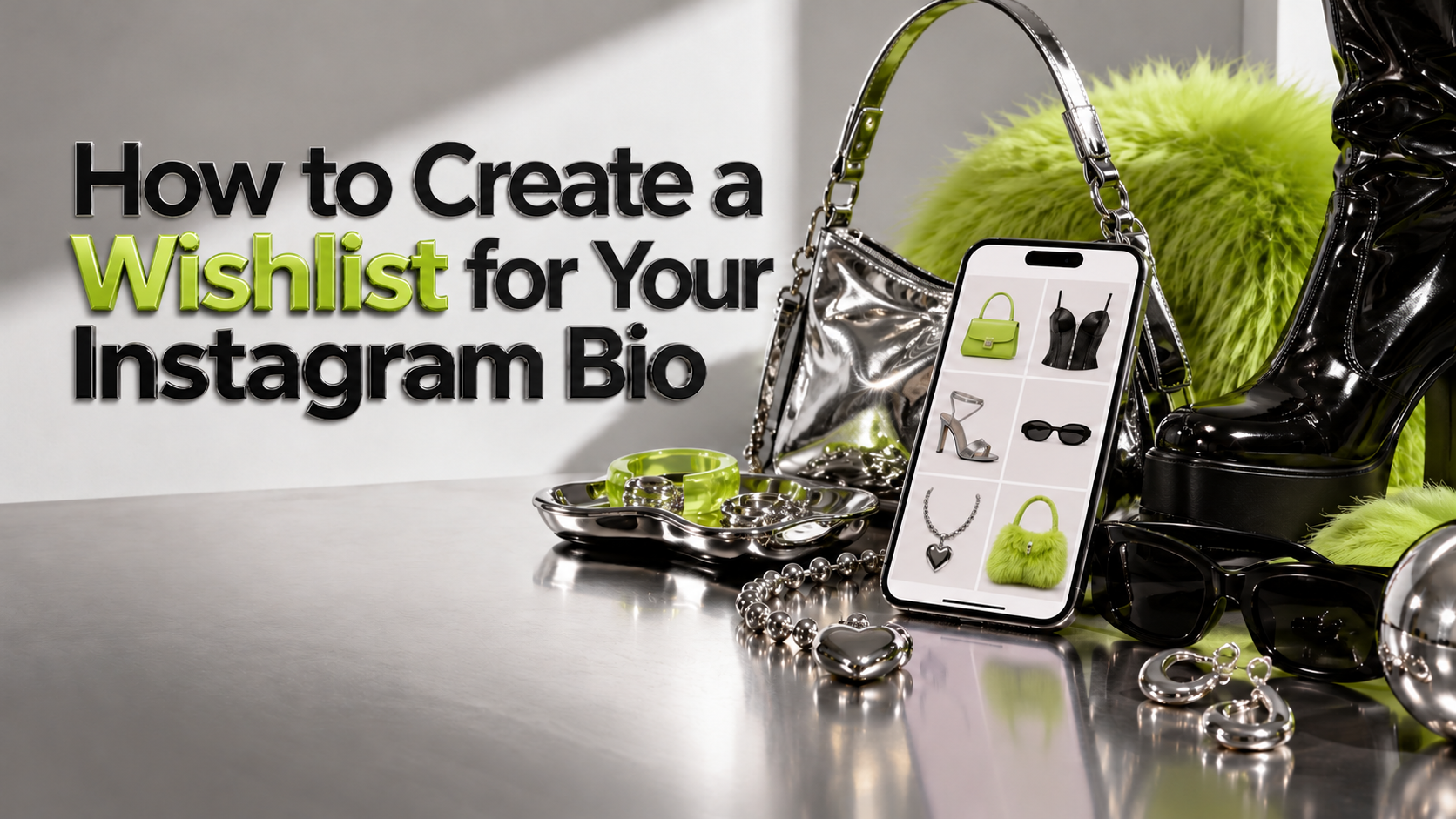
If you searched for Instagram wishlist, you probably want a simple way to move from seeing something you like to finding it again. The usual workaround—screenshots, open tabs, saved posts, and notes—works until you need to remember which store, size, or link belonged to which item.
Quick answer: Public Snag profile as bio destination.
Start with one reliable place to save
Keep the original product URL whenever possible. Links preserve the route back to a product page; screenshots are useful as visual references, but rarely retain size, color, seller, or availability. If a store blocks automatic previews, a saved link plus a short note is still more useful than an unlabeled image.
Give each item enough context
Add the detail that will help future-you decide: who it is for, what made it interesting, a size or color, the occasion, or what you want to compare it with. Avoid turning every save into homework. One useful phrase is enough.
Organize around how you decide
Make a few focused collections such as daily uniform, gifts, home, or maybe later. Keep names natural. If an item belongs in two places, choose the one that will help you find it first.
Decide what to share
A list can be a private shopping tool, a gift guide, or a public taste profile. Make that choice deliberately. Share a clear link with the people who need it, and check privacy settings before using it as a public bio link.
Revisit before buying
Prices, stock, and product pages change. Open the retailer page before purchasing, check the details, and remove anything that no longer feels right. The point of Instagram wishlist is not to save more. It is to make your next decision easier.
Where Snag Mode fits
Public Snag profile as bio destination. Snag Mode is designed for people who want a personal place for products from different stores, with a social layer for following profiles and discovering what other people save. Start with a few items you genuinely love, then shape the profile as your taste evolves.
Frequently asked questions
What should I look for in how to create a wishlist for your instagram bio?
Start with the job you need the tool or guide to do, then compare how well each option supports that use case. Convenience, sharing, discovery, and privacy can matter in different proportions.
Is Snag Mode right for everyone?
Snag Mode is most relevant when you want to collect products across stores and let other people discover your taste. A retailer-specific registry or a private notes app may fit a narrower need better.
How often should I update a wishlist?
Whenever your preferences change, a gift is purchased, or a saved link is no longer useful. A short, current list beats a huge archive of things you have forgotten.
Make your wishlist useful
A good wishlist is part shopping tool, part memory, and—if you want it to be—part self-portrait. Put the things you care about in one place, keep the details that matter, and share only what you mean to share. Start your Snag Mode profile at snagmode.com and save the next thing you do not want to lose.
Start your own stash
Save products from any store, build a profile that looks like your taste, and share only what you mean to share.